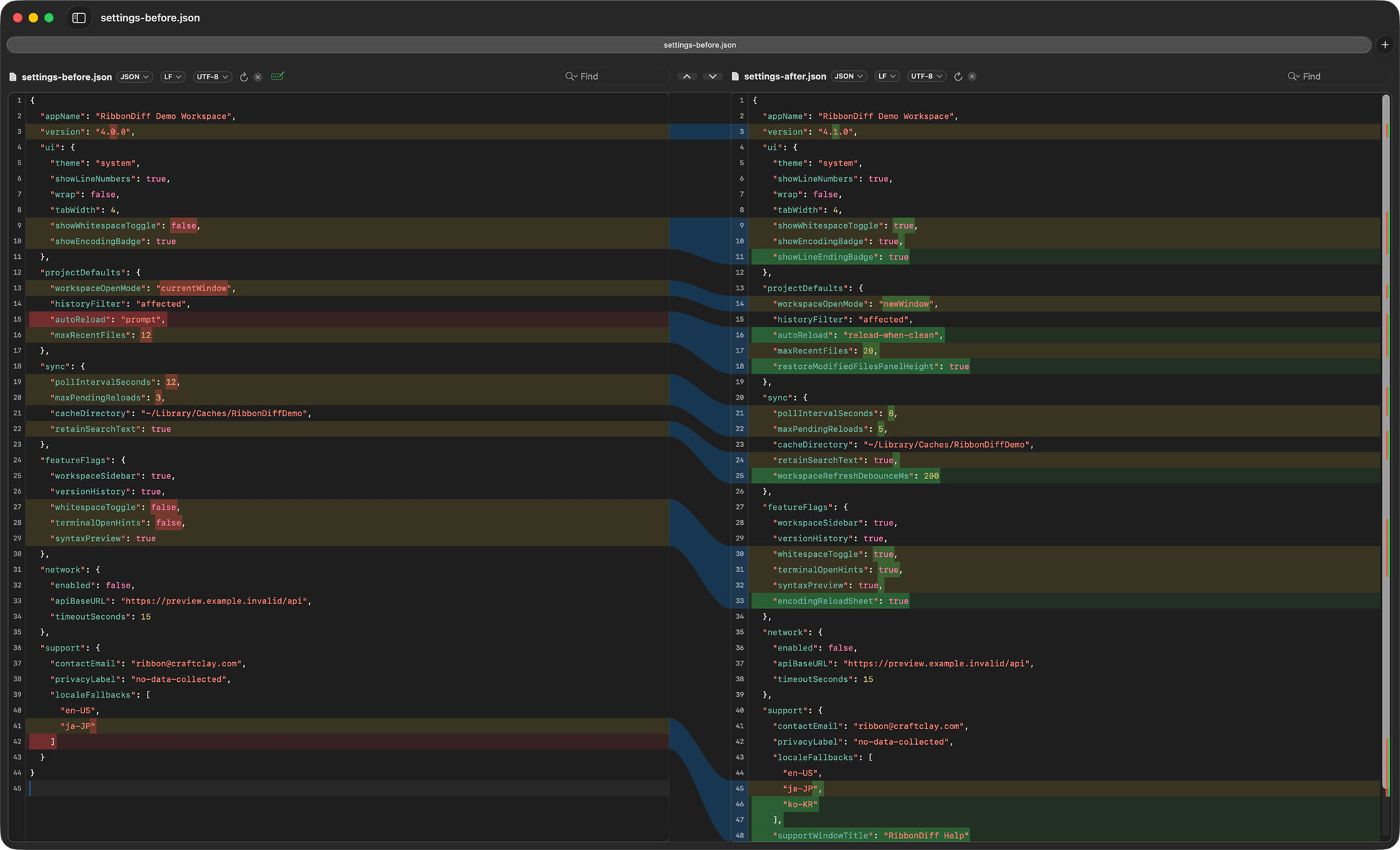
RibbonDiff comparing JSON configuration changes side by side.
Compare JSON, YAML, and configuration files on macOS
Configuration review is one of the clearest use cases for a side-by-side diff. Instead of scanning raw patches, you can keep the old and new config visible together, search each side, and focus on the exact sections that changed.
RibbonDiff works well for nested JSON settings, deployment YAML, workspace metadata, environment files, and other text-based configuration.
Suggested sample files
- settings-before.json and settings-after.json — nested UI, sync, and feature-flag settings.
- deploy-before.yaml and deploy-after.yaml — a deployment workflow with added steps and settings.
- workspace-before.toml and workspace-after.toml — a smaller workspace-style config pair.
How to try it
- Open the JSON pair first and jump to a nested section such as feature flags or project defaults.
- Switch to the YAML pair and review the added preview branch, timeout, and archive step.
- Use the TOML pair for a shorter follow-up compare.
- End by pointing out that the same side-by-side workflow also works for code, logs, and drafts.
Related pages
Guides lists the other workflow pages. Sample Files collects the full download pack.