Screenshots, demo media, and product copy for RibbonDiff.
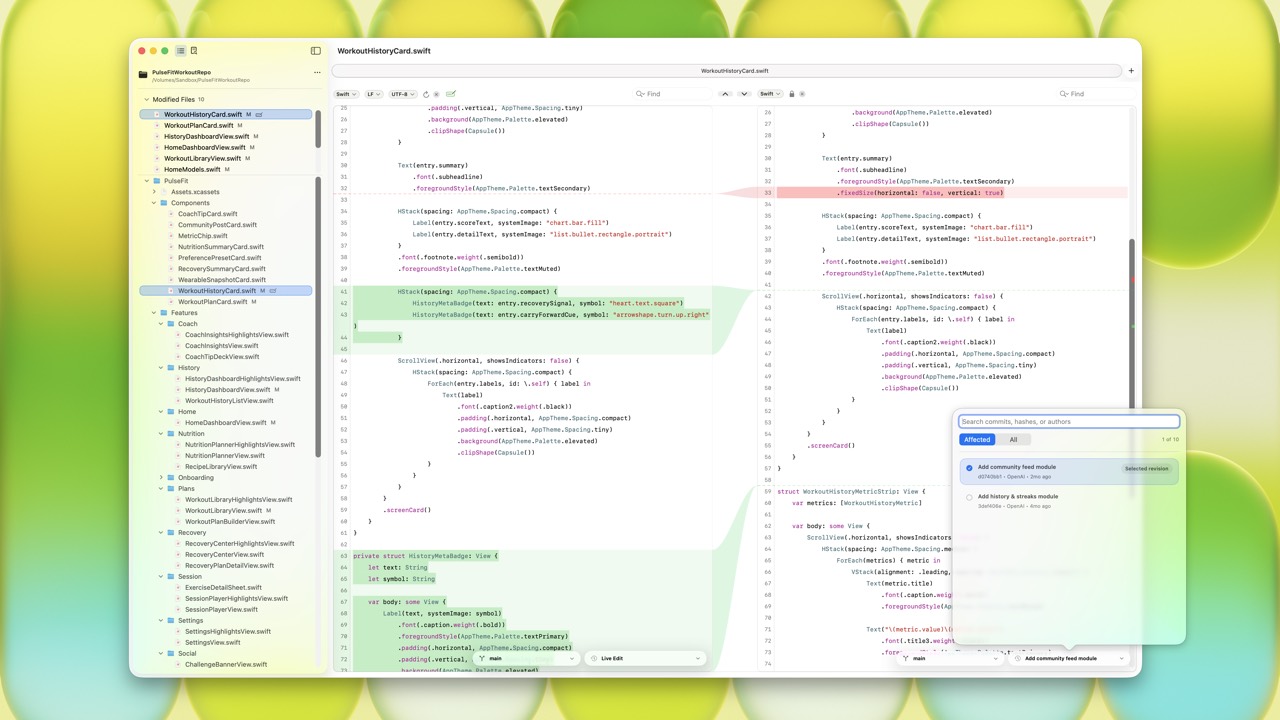
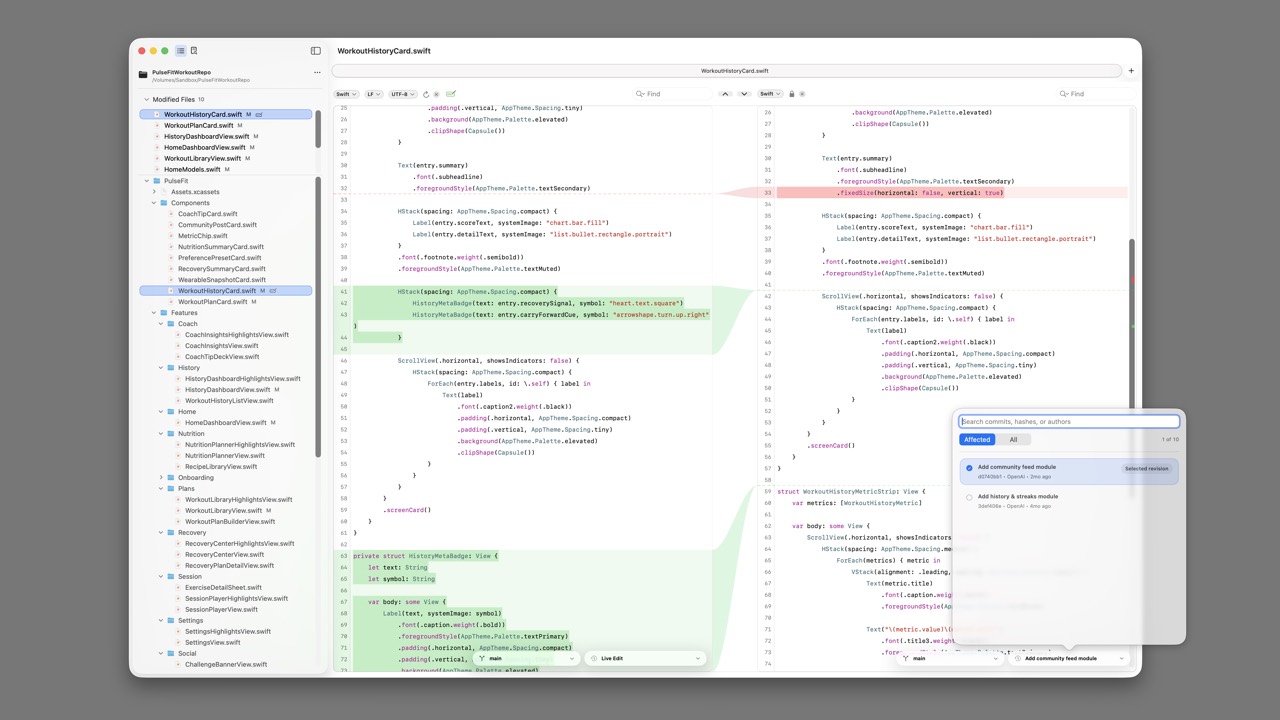
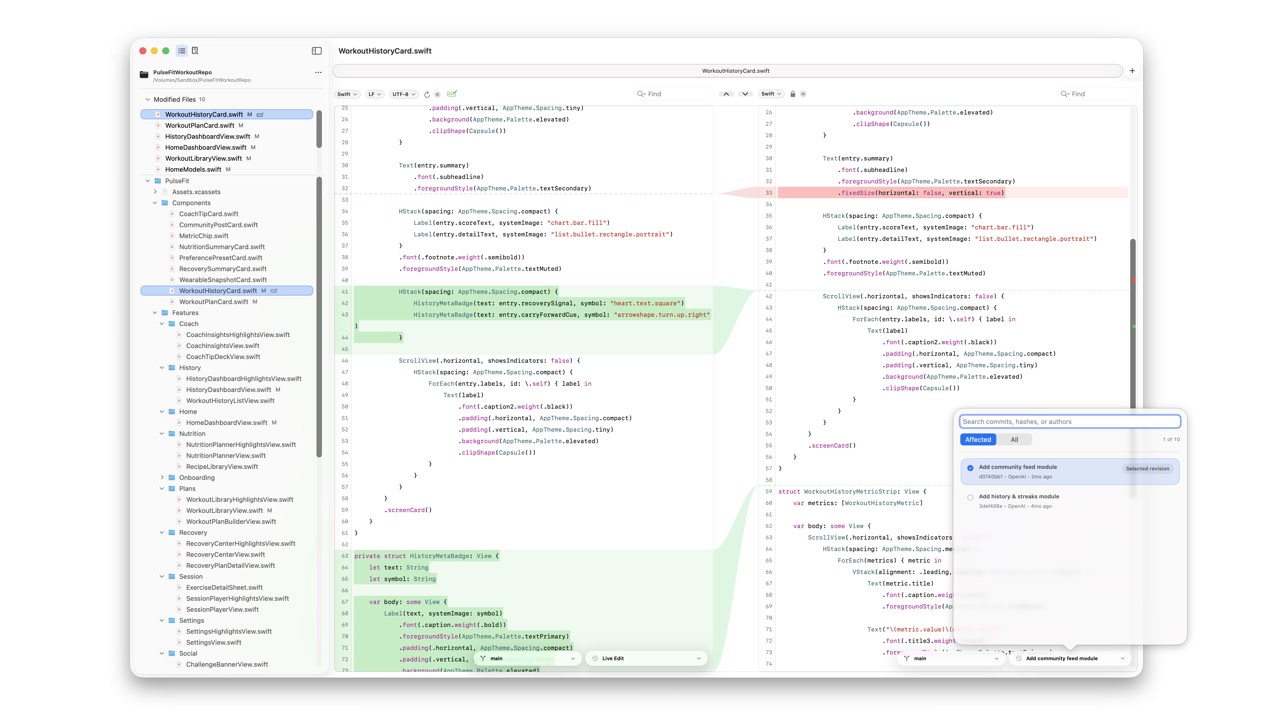
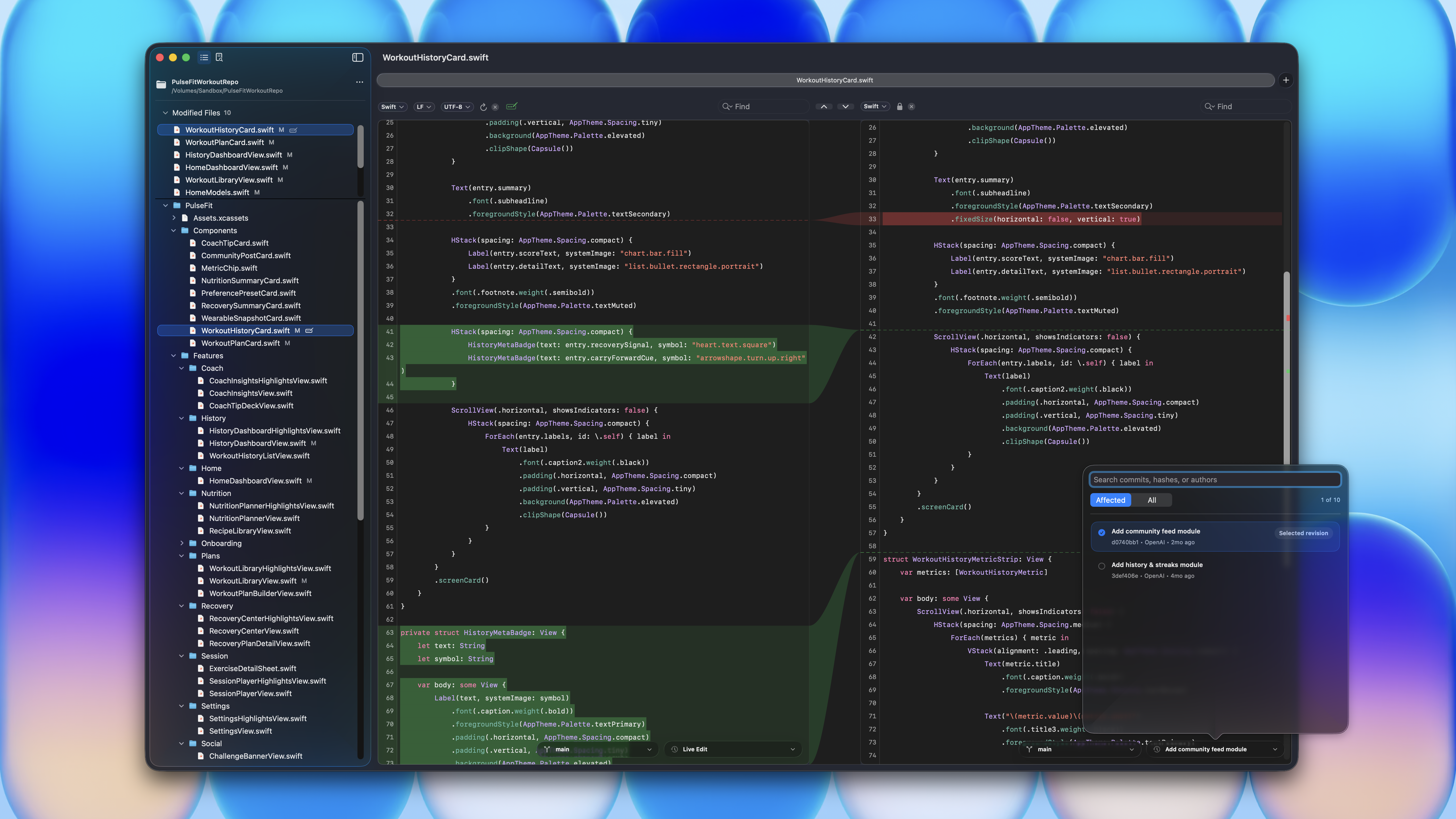
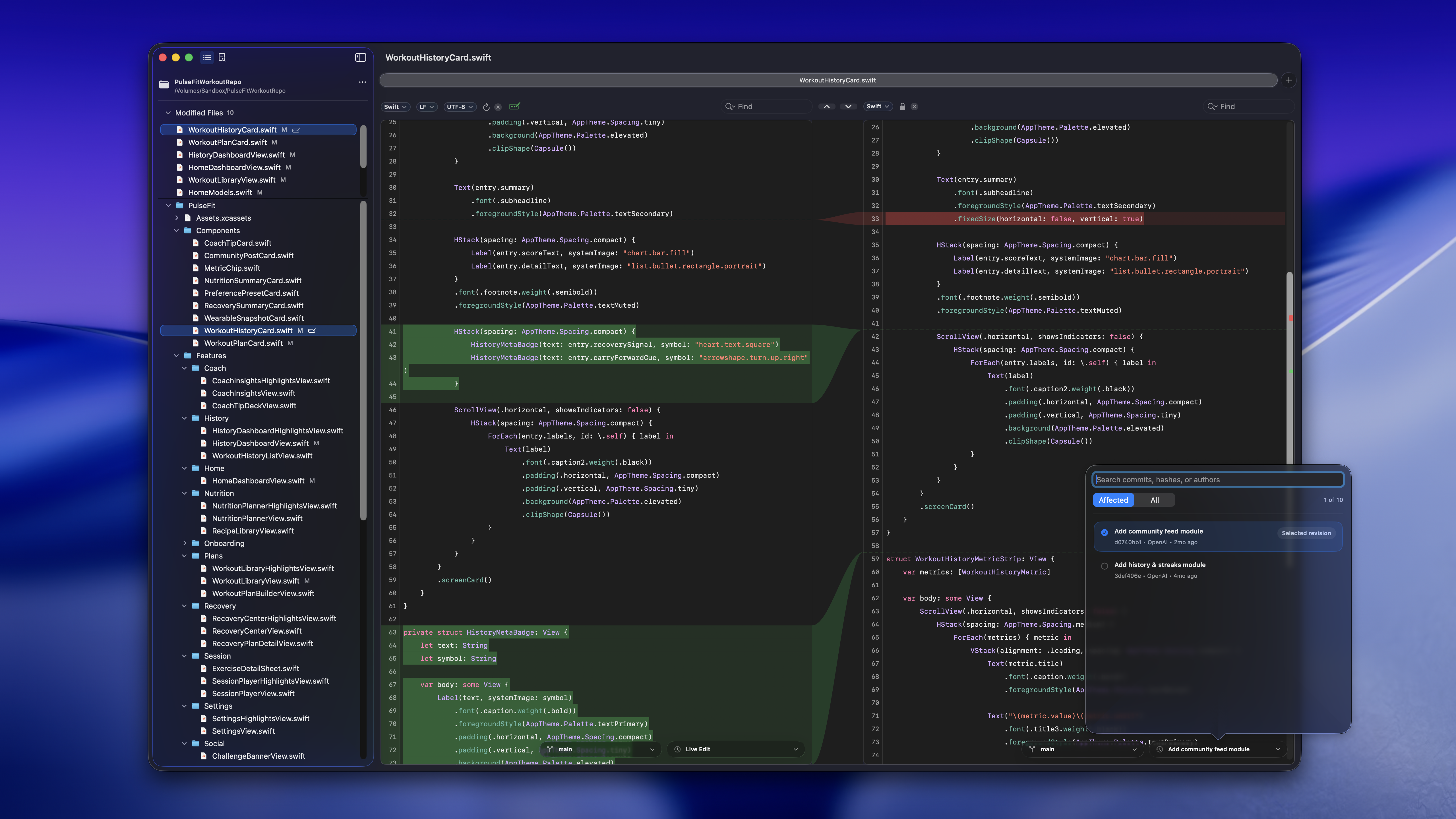
RibbonDiff is a native Mac diff workspace with live editable panes and filled visual ribbons connecting corresponding changes.
Quick Facts
| Product | RibbonDiff |
|---|---|
| Publisher | craftclay K.K. |
| Platform | macOS |
| Category | Developer utility, text comparison, file comparison, code review support |
| Website | craftclay.com/ribbon-diff |
| Availability | Mac App Store |
| Contact | ribbon@craftclay.com |
Primary Angle
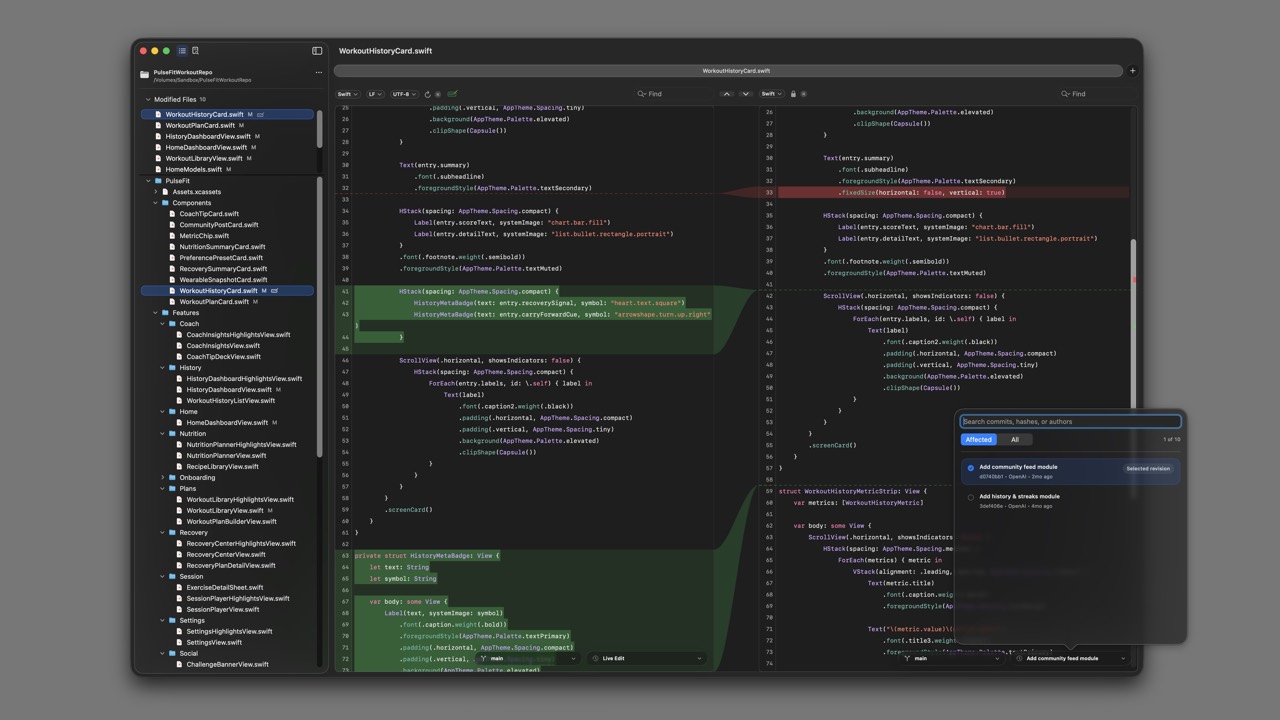
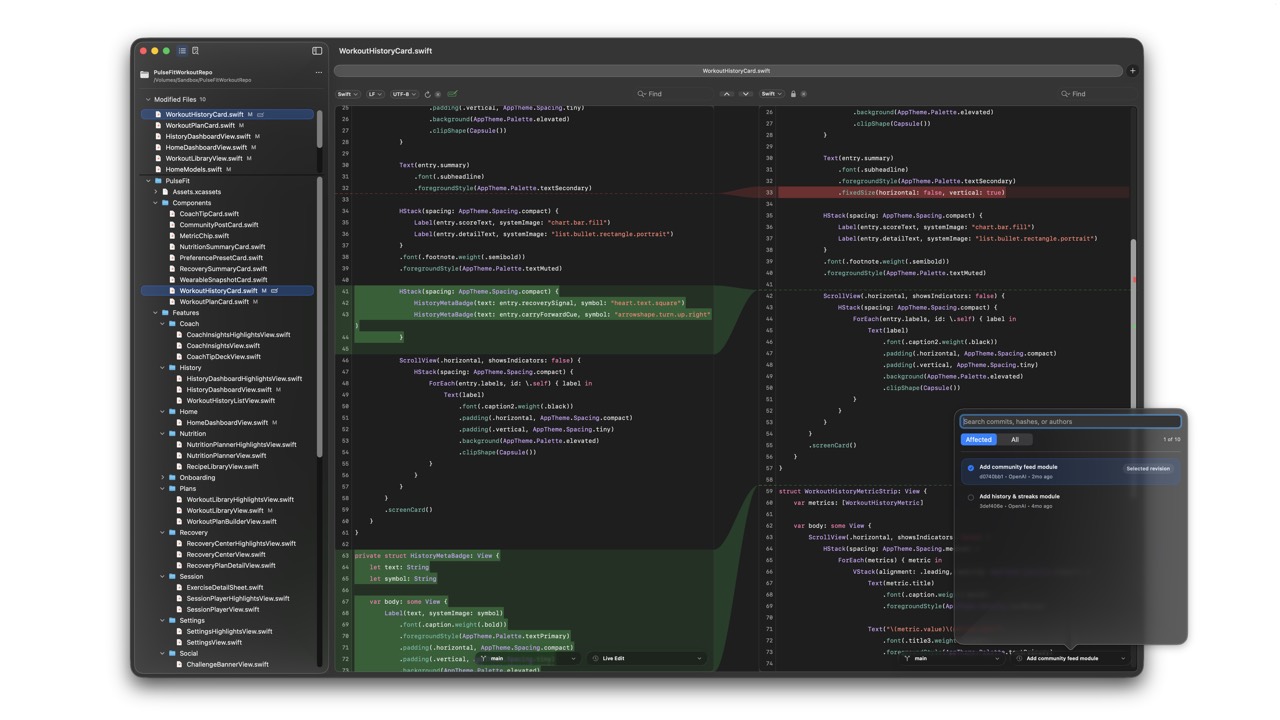
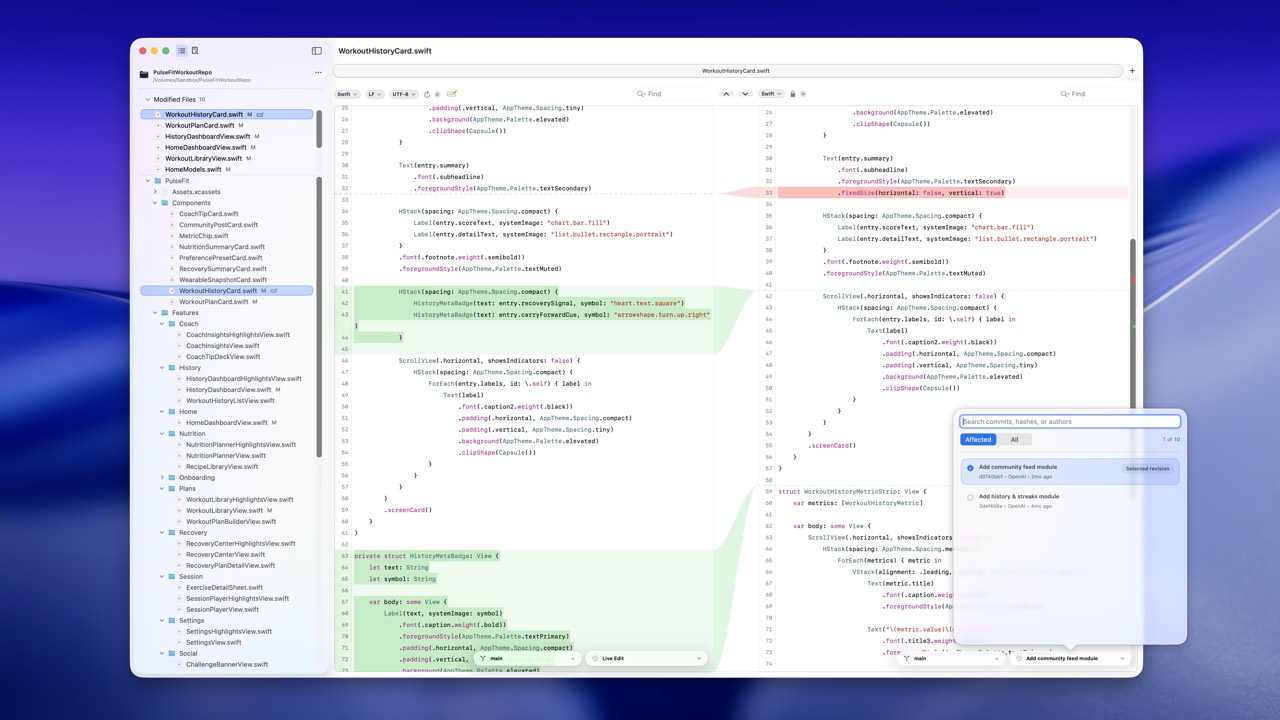
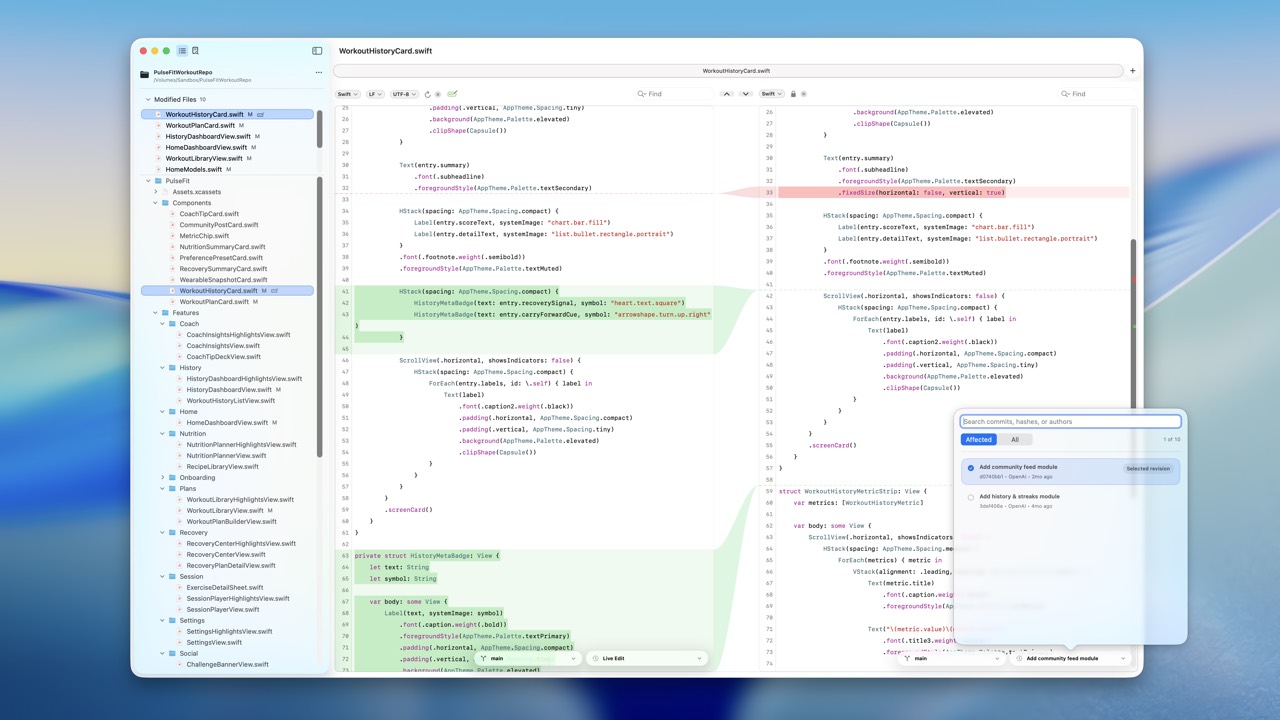
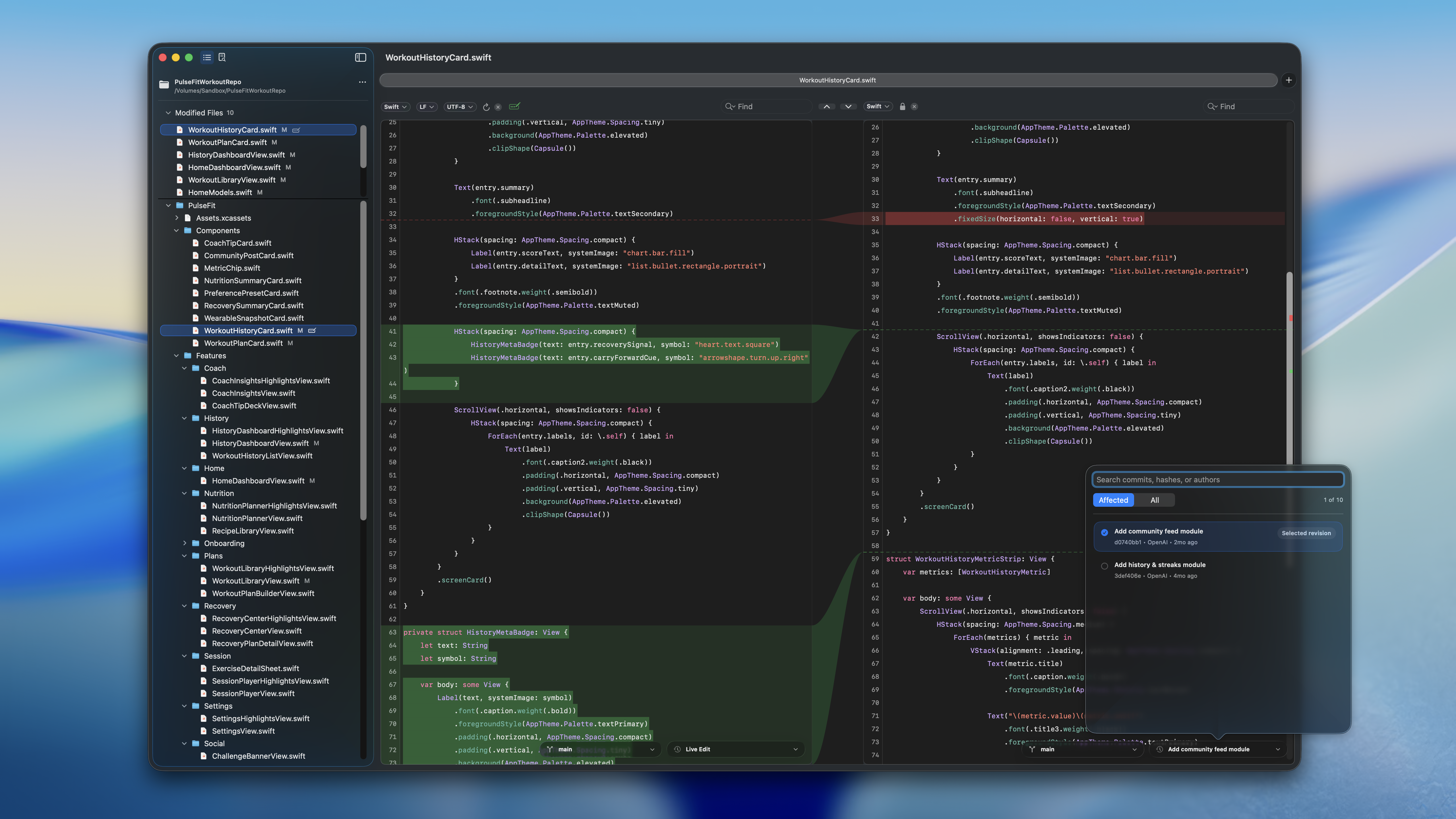
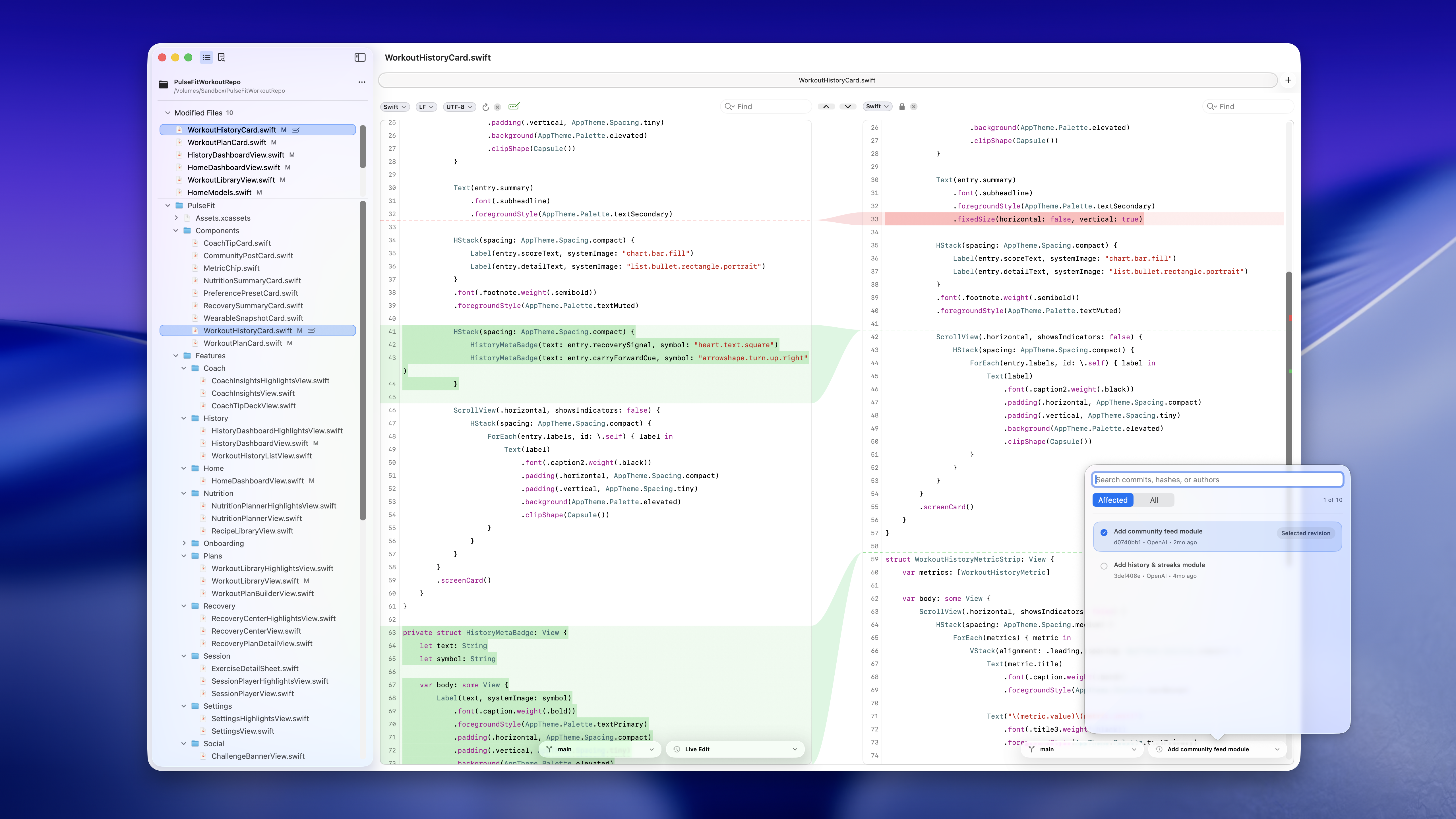
RibbonDiff is built for developers and technical writers who need to stay oriented while reviewing real text changes. The filled center Ribbon connects corresponding change blocks across two editable panes, making additions, deletions, and larger rewrites easier to scan.
Workspace adds project navigation, modified-file access, full-project search, and Git-backed Version History, which is especially useful when reviewing multi-file changes produced by AI coding tools.
Product Descriptions
Paste-ready English copy for listings, articles, newsletters, and launch notes.
One line
RibbonDiff is a native Mac diff workspace with live editable panes and filled visual ribbons connecting corresponding changes.
Short description
RibbonDiff brings Xcode-style filled ribbon diffs to a standalone Mac app, with live editable comparisons, project Workspaces, search, and Git-backed Version History.
Medium description
RibbonDiff is a native macOS app for comparing and editing two versions of text side by side. Its filled center Ribbon visually connects corresponding change blocks, helping users remain oriented through additions, deletions, and larger rewrites. Workspace adds project navigation, modified-file access, full-project search, and Git-backed Version History, making RibbonDiff especially useful for reviewing multi-file code changes made by AI coding tools.
Screenshots
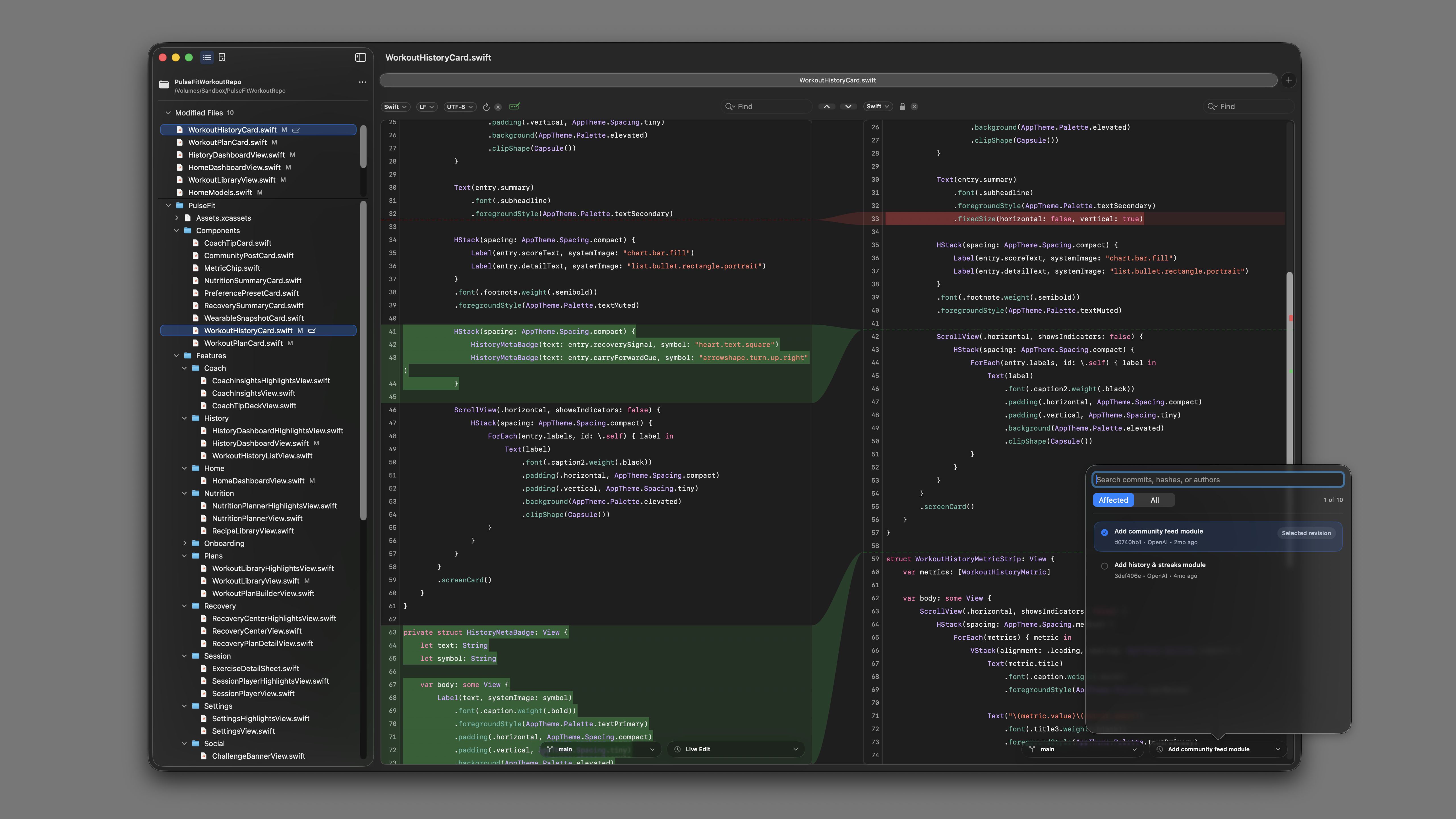
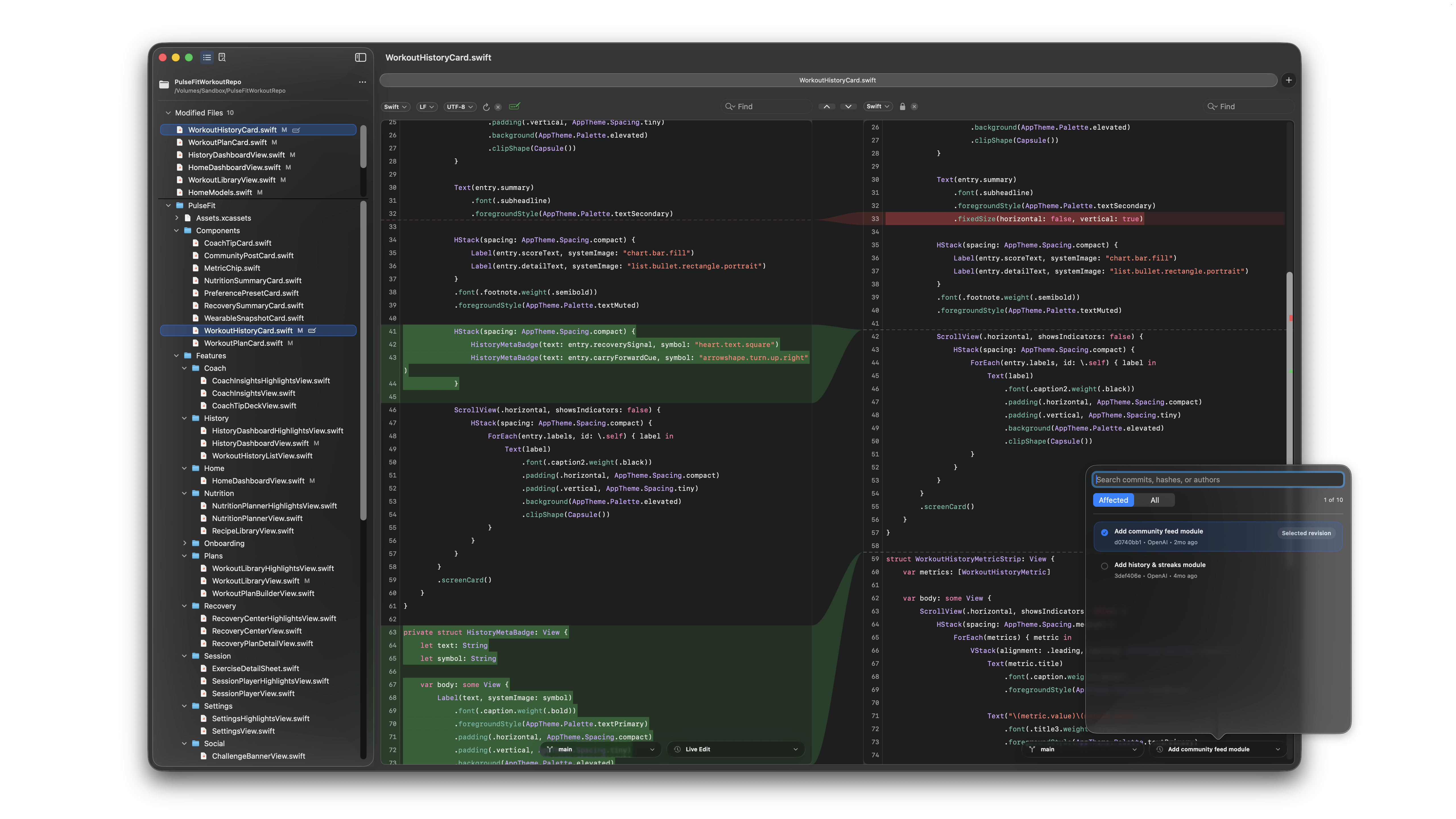
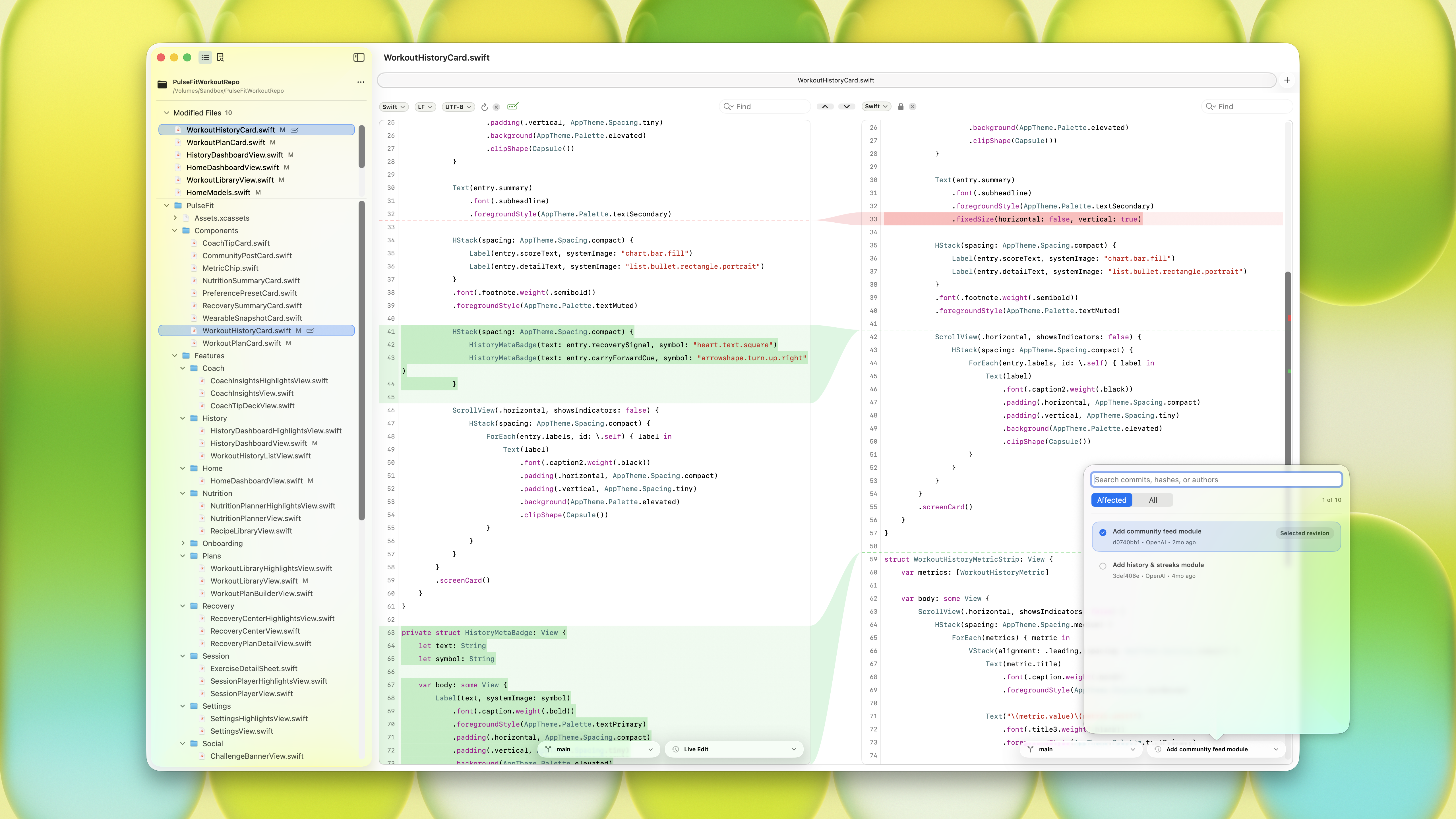
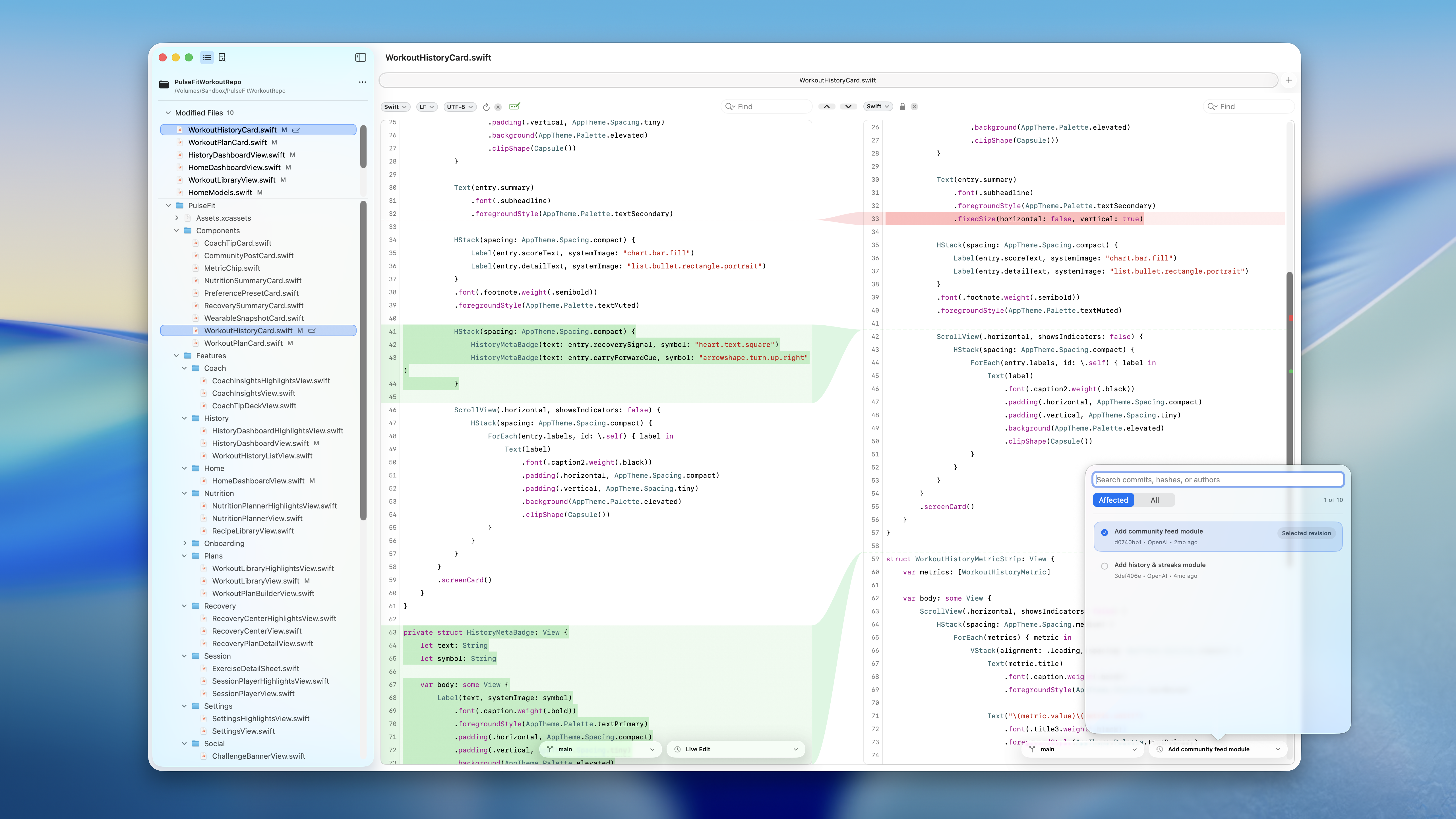
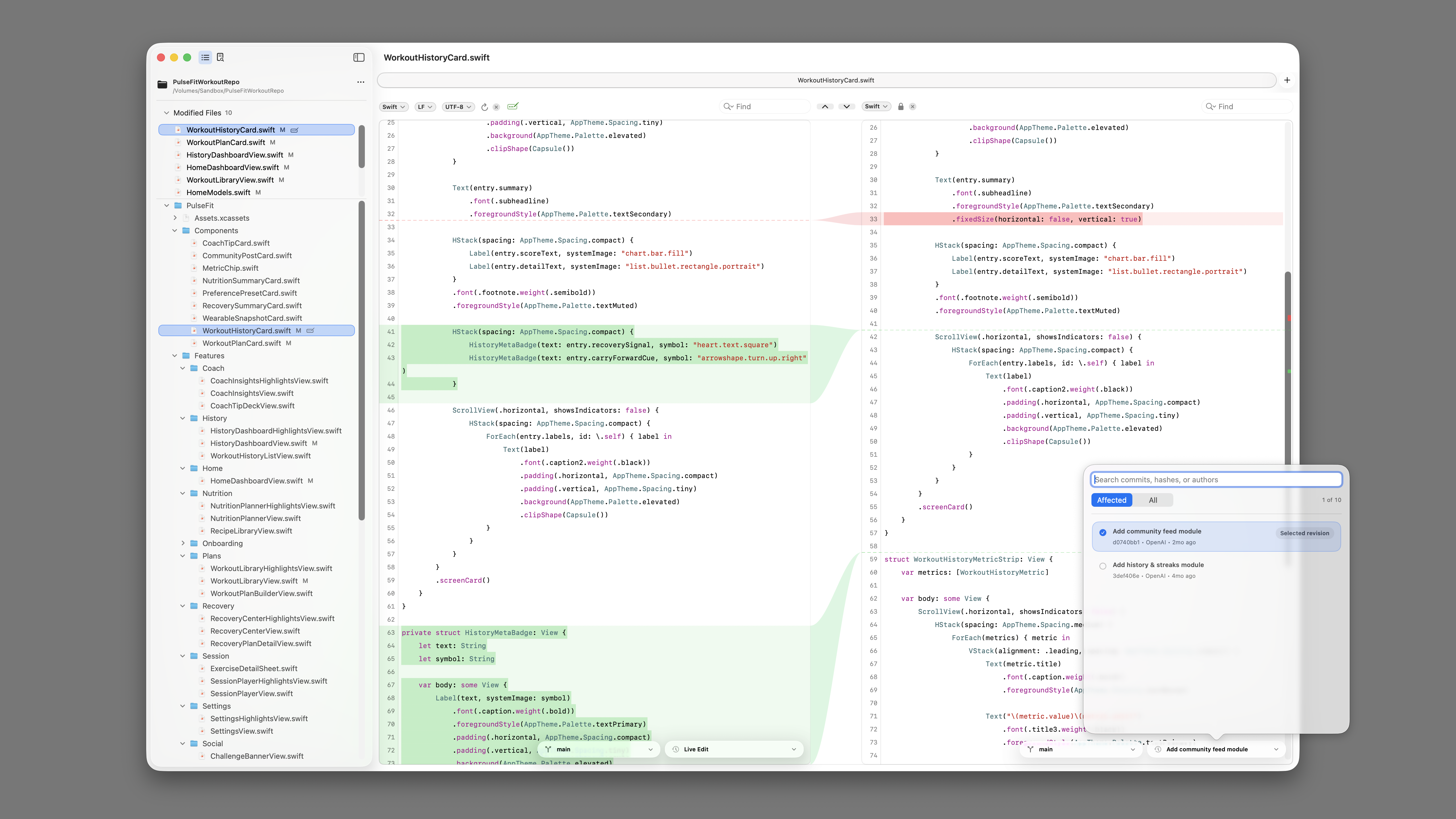
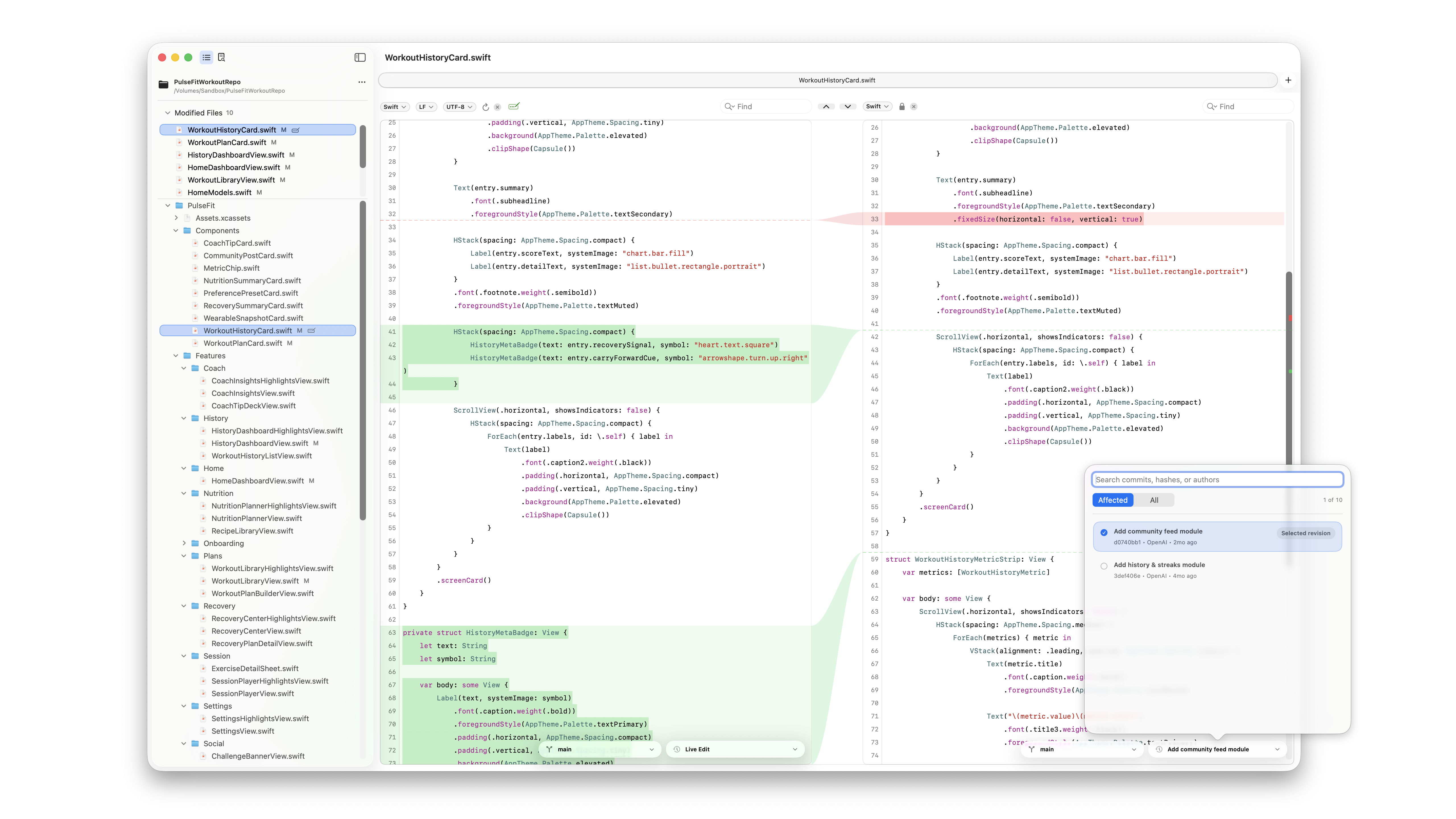
Downloadable screenshots are 5120 x 2880 PNG files. Use the dark blue screenshot as the default editorial visual when no specific theme is requested.
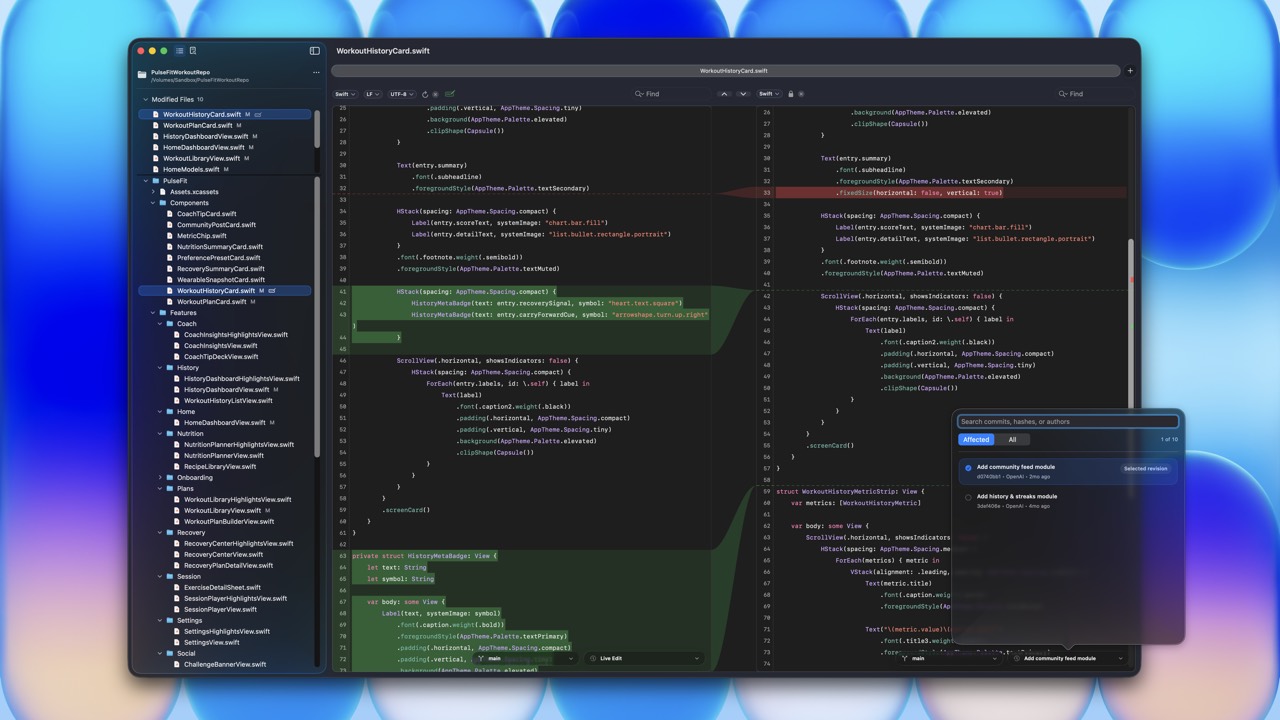
Dark Theme
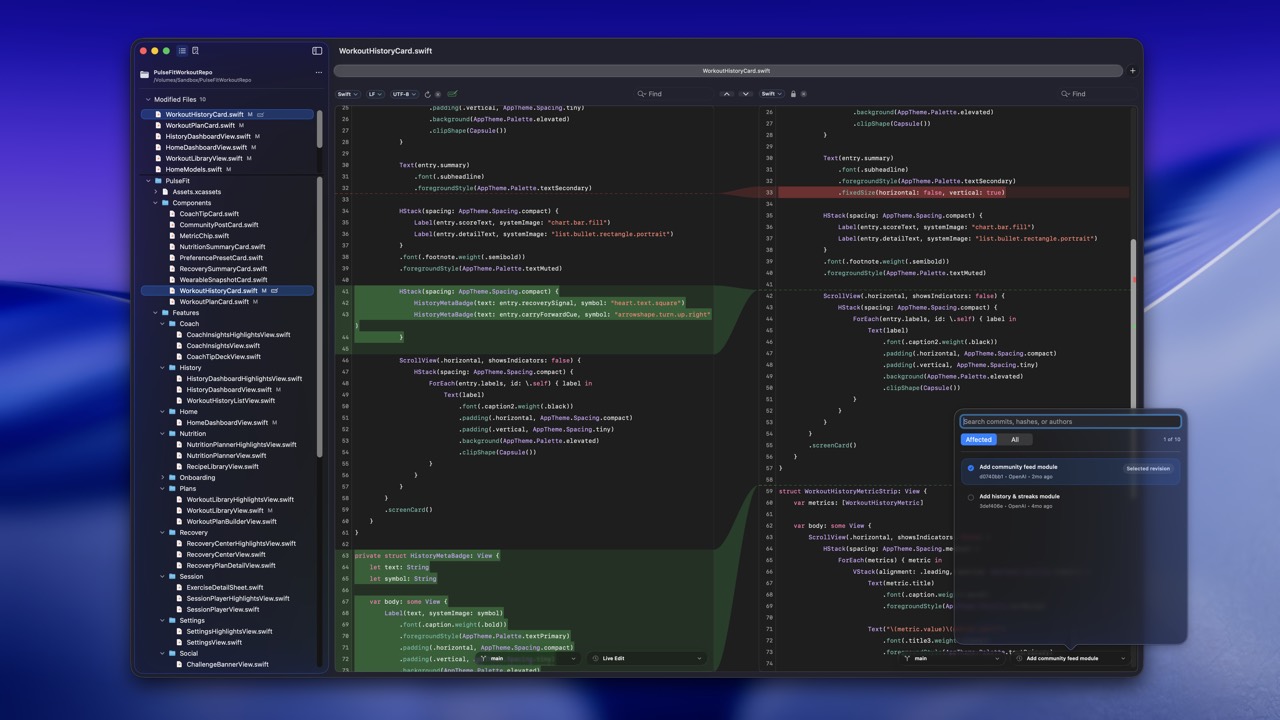
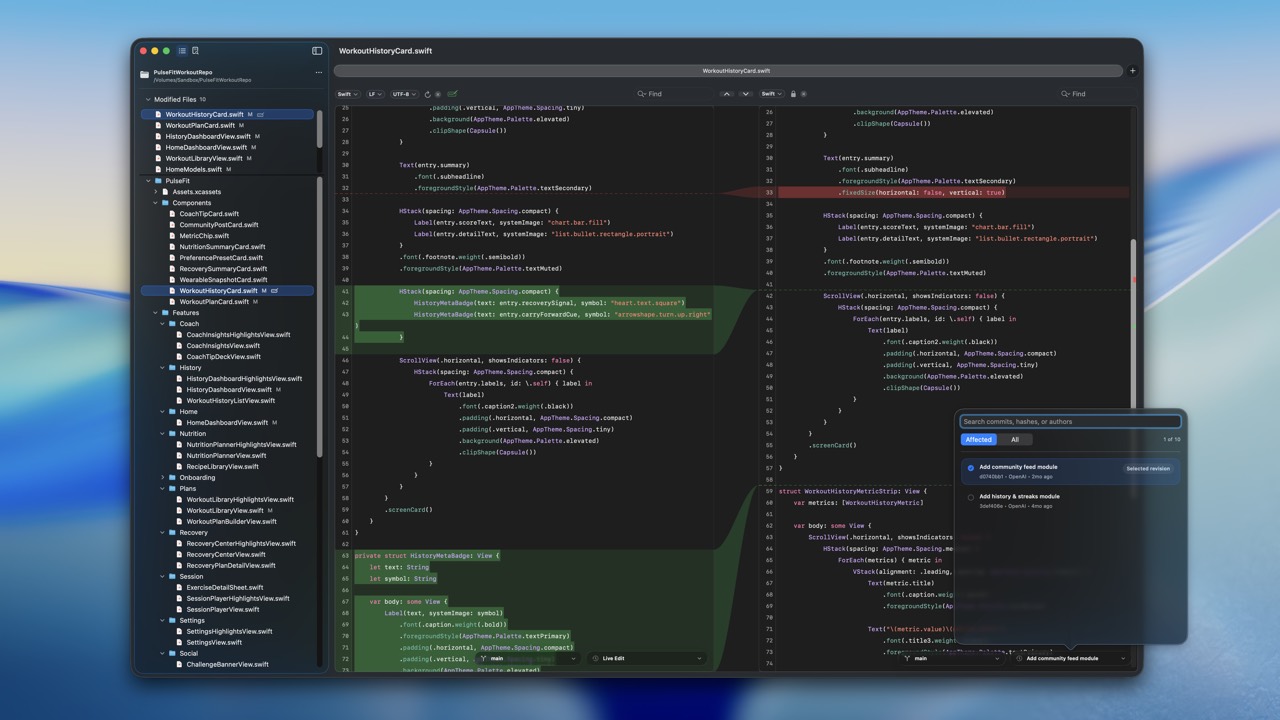
Light Theme
Demo Movie
The demo shows RibbonDiff reviewing Codex-generated changes to a SwiftUI sample project.
Local MP4 demo movie. Download MP4 · Watch on YouTube
Demo Repository
The demo movie uses PulseFitWorkoutRepo.zip, a small Git-backed SwiftUI sample project. The recorded workflow reviews a Codex modification that fixes grouped card navigation across several feature views.
Demo Prompt
Fix the following navigation bug:

In each feature view's groupedSections, grouped cards are rendered as plain cards and do not open detail sheets. Match the main board behavior by wrapping grouped entries in Buttons that assign selectedEntry. Apply consistently across WorkoutLibraryView, SessionPlayerView, CoachInsightsView, HistoryDashboardView, SettingsView, CommunityFeedView, RecoveryCenterView, WearableSyncView, and NutritionPlannerView.
Asset Links
Screenshots
- dark-blue.pngDark theme, blue background, recommended primary visual.
- dark-gray.pngDark theme, neutral gray background.
- dark-tahoe-light.pngDark theme, light Tahoe background.
- dark-tahoe.pngDark theme, Tahoe background.
- dark-white.pngDark theme, white background.
- light-gray.pngLight theme, neutral gray background.
- light-tahoe-light.pngLight theme, light Tahoe background.
- light-tahoe.pngLight theme, Tahoe background.
- light-white.pngLight theme, white background.
- light-yellow.pngLight theme, yellow background.
Video and Supporting Files
- RibbonDiff_Codex.mp4Local MP4 demo movie.
- YouTube demo movieSame movie hosted on YouTube.
- PulseFitWorkoutRepo.zipDemo repository used in the movie.
- craftclay logo SVGPublisher logo.
- craftclay logo PNGPublisher logo as PNG.


Preferred Language
- Use the product name as RibbonDiff.
- Capitalize Ribbon, Workspace, and Version History when referring to RibbonDiff features.
- Describe the app as native to Mac or macOS.
- When discussing the demo movie, describe it as a review of Codex-generated SwiftUI code changes.
Media Contact
For review copies, product questions, asset requests, or interview requests, contact:
For product support requests, use the same email address listed on the RibbonDiff support page.